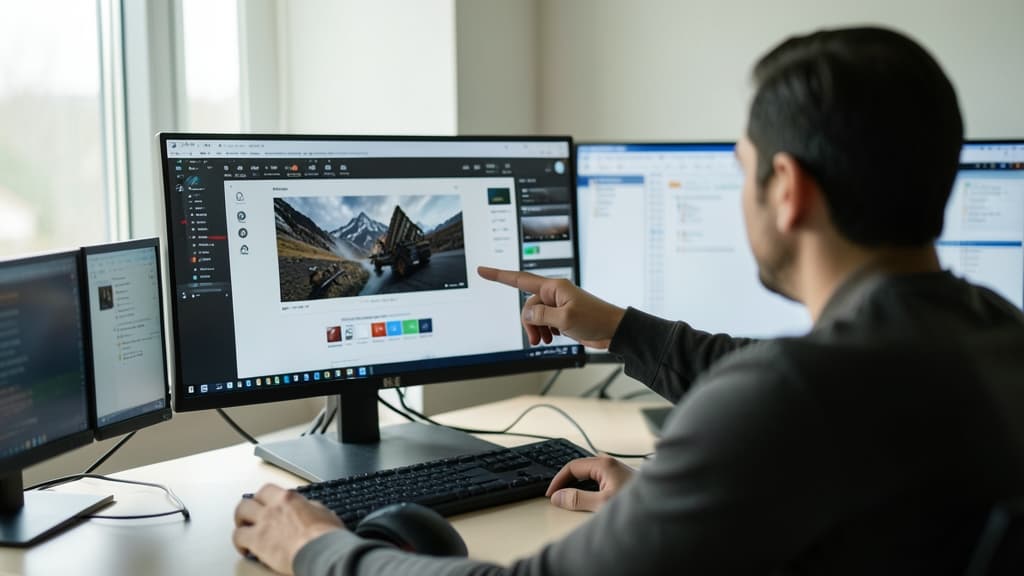
You have a beautiful photograph of your product or a stunning graphic that perfectly captures your brand essence. However, in the fast-paced world of social media, a static image often fails to stop the scroll. This is where the power of image to video ai becomes your greatest marketing asset.
Transforming a still moment into a moving story allows you to capture attention in a way that traditional photography simply cannot. It opens up a world of cinematic possibilities for small business owners who do not have the budget for full-scale video production teams.
Table of Contents
- The Impact of Motion in Digital Marketing
- How Image to Video AI Works Behind the Scenes
- A Practical Workflow for Creating Video Ads
- Best Practices for High-Quality AI Animation
- Common Mistakes to Avoid in Video Generation
- The Future of Visual Storytelling
- Summary
The Impact of Motion in Digital Marketing
Motion is a psychological trigger that signals importance to the human brain. When we see something moving, our eyes are naturally drawn to it. This makes video content far more effective than static images for increasing engagement rates.
Using image to video ai allows you to turn a single product shot into a dynamic advertisement. You can add subtle movements like flowing hair, drifting clouds, or shimmering light. These small details create a sense of life and professionalism.
For small businesses, this technology levels the playing field. You can create high-end visual assets that look like they were produced in a professional studio. This builds trust with your audience and makes your brand look established and modern.
How Image to Video AI Works Behind the Scenes
You might wonder how a computer can turn a flat, two-dimensional file into a moving scene. The process involves sophisticated machine learning models that analyze the content of your image.
The technology looks at the pixels to identify different elements within the frame. It recognizes what is a foreground object, what is a background, and what is a subject. Once these elements are identified, the system predicts how they should move based on the laws of physics and light.
An interesting aspect of this technology is how it handles depth. The AI creates a sense of three-dimensional space by calculating how layers should shift relative to one another. This creates a parallax effect, making the viewer feel like they are looking into a real environment rather than a flat photo.
A Practical Workflow for Creating Video Ads
Creating professional content does not have to be a complex or time-consuming process. You can follow a simple workflow to get the best results from your image to video ai tools.
- Select your base image. Choose a high-resolution photo with a clear subject and a clean composition.
- Define the desired motion. Think about what kind of movement would enhance the story. Should the camera zoom in slowly, or should the elements within the image move?
- Input descriptive prompts. If the tool allows for text input, describe the movement you want to see. For example, "gentle wind blowing through trees" or "cinematic slow zoom."
- Review and refine. The first generation might not be perfect. Adjust your settings or prompts to fine-tune the pacing and intensity of the motion.
- Export for your platform. Ensure you save the video in the correct aspect ratio for where you plan to post it, such as vertical for mobile feeds.
Best Practices for High-Quality AI Animation
To get the most out of your creative sessions, you need to understand what makes a good source image. The quality of your input directly dictates the quality of your output.
- Prioritize high resolution. Blurry or pixelated images will result in muddy, low-quality video. Always start with the clearest file possible.
- Use simple backgrounds. If the background is too cluttered, the AI might struggle to distinguish between the subject and the environment. A clean background allows for smoother motion.
- Focus on a single subject. While multi-subject images can work, they are harder to animate effectively. A single, strong focal point usually yields the most professional results.
- Consider lighting and shadows. Images with strong, directional light provide better cues for the AI to simulate realistic movement and depth.
Common Mistakes to Avoid in Video Generation
Even with the best tools, it is easy to fall into a few common traps. Avoiding these will save you time and ensure your marketing looks polished rather than amateurish.
One common mistake is over-animating the scene. If every single element in your image is moving aggressively, the video can become distracting and chaotic. This takes the focus away from your product and can actually annoy your viewers.
Another issue is ignoring the aspect ratio. If you create a wide cinematic video but try to use it for a vertical mobile story, you will lose much of your composition. Always plan your visual storytelling around the specific platform you are targeting.
Finally, do not forget to check for visual artifacts. Sometimes, the AI might create strange distortions or "glitches" in the movement. Always review your footage closely to ensure the motion looks natural and professional.
The Future of Visual Storytelling
We are entering an era where the barrier between imagination and reality is shrinking. The ability to use image to video ai means that your creative potential is no longer limited by your technical skills in traditional editing software.
As these models become more advanced, we will see even more realistic textures and more complex physical interactions. This means you will soon be able to create entire commercial-grade campaigns from just a handful of high-quality photographs.
For the modern marketer, staying ahead of these trends is essential. Embracing these tools now allows you to build a library of dynamic assets that will keep your brand relevant in an increasingly visual digital landscape.
Summary
Transforming static images into dynamic videos is one of the most efficient ways to boost your marketing impact. By leveraging image to video ai, you can create high-quality, engaging content that captures attention and tells a compelling brand story.
Remember to start with high-quality images, keep your animations purposeful, and always tailor your output to your specific social media platforms. With a little practice, you can turn your existing photo library into a powerful engine for video growth.
Ready to create professional ads and marketing videos with AI? Try ArtFly's tools today and grow your business!
Related Articles
Master Your Marketing with an AI Video Generator
Discover how an ai video generator can transform your marketing strategy. Learn practical workflows for text-to-video and image-to-video creation.
7 min read
The Best AI Tools for Marketing to Boost Your 2026 Campaigns
Discover the top AI tools for marketing that streamline content creation, automation, and strategy. Learn how to boost ROI today.
9 min read
AI Content Creation: A Complete Guide for Small Business Owners
Learn how to use AI content creation tools to control outgoings and grow your business. Practical tips and workflows inside.
8 min readReady to Create?
Start using ArtFly AI today and bring your creative vision to life with powerful AI tools.
Get Started Free