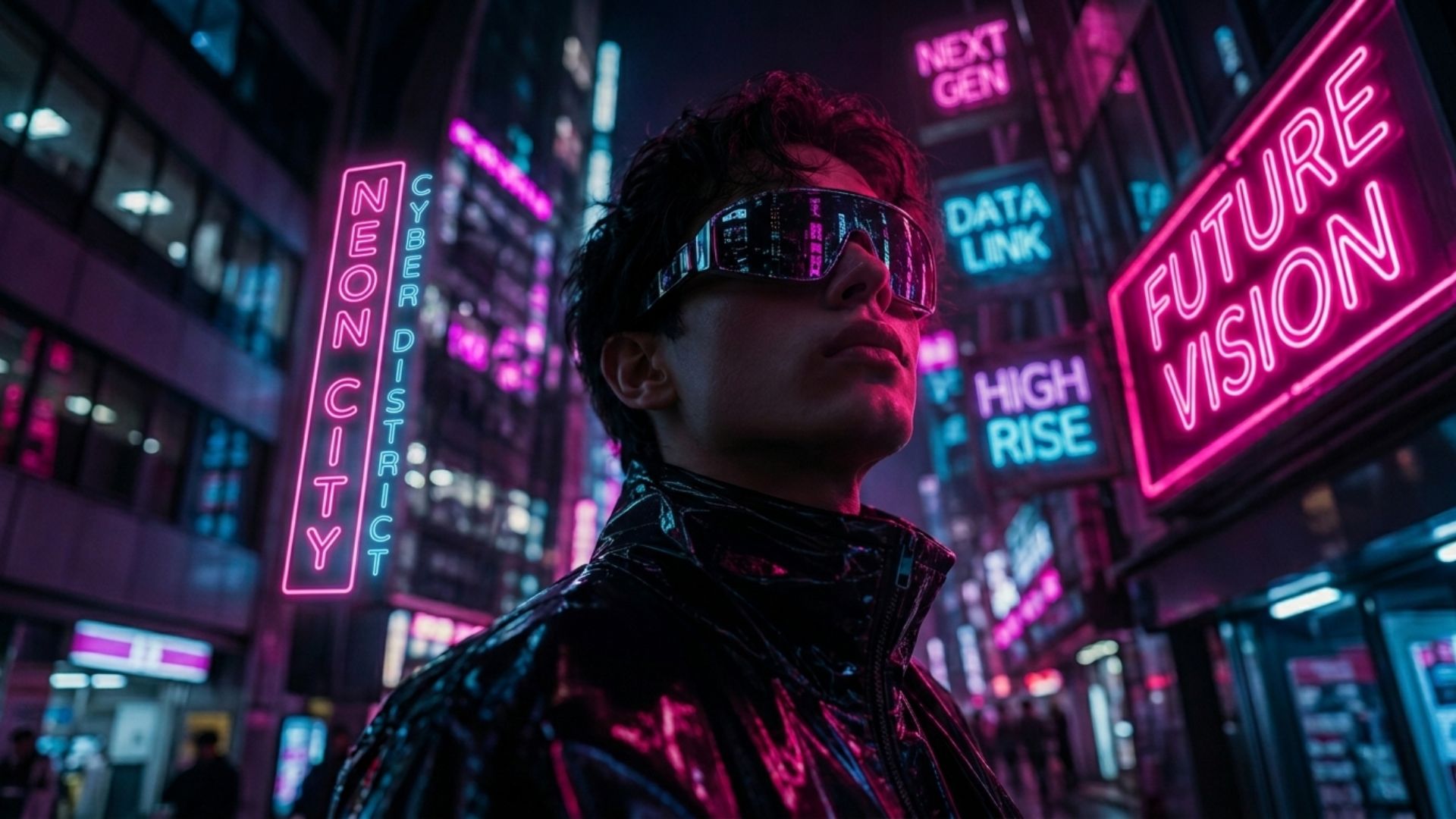
Start With a Link.
Make It a Video.
Any public page can be the start of a marketing video. Paste the link, keep the idea, add motion.


Your Brand. Your Video Ad.
AI analyzes your website, understands your brand, and creates a stunning video ad in seconds.
A better starting point
A link holds the idea. The video shows it.
Text on a page is read in any order. A video plays one moment at a time. Pick the one idea on the page worth watching, and let the rest stay on the page.
- 1
Choose the page
A launch post, a feature page, an about page. Anything public with a clear subject.
- 2
Continue with the link
Select Get my video. Sign up if needed, the link comes with you.
- 3
Shape one message
Visuals, animation, and music around a single point. Refine what reads wrong.
One link. A visual direction.
The story hiding in a plain page
A page for a travel cup describes material, shape, and daily use. The video picks one moment: a familiar object with energy and a clean silhouette.

One possible storyboard
- 1
Subject
Introduce the object
A recognizable silhouette before anything else.
- 2
Setting
Establish a feeling
Light and movement suggest everyday carry.
- 3
Detail
Bring attention closer
A real detail from the page, finish or shape.
- 4
Close
Point back to the source
A product view and an invitation to the page.
Pages are scanned. Videos are watched. Decide what someone sees first, what they understand next, and what they remember at the end.
From our showcase
From a landing page to a short story
The software example from our showcase: a written pitch turned into a sequence.
What this is and is not
The URL is context for creating a new video. It does not download a video hosted at that address and it does not record the page. For a click-by-click tutorial, use the screen-recording flow instead.
- SubjectThe page should make it obvious what is being introduced.
- Main ideaThe one point that carries into the video.
- AudienceNew viewer, or a reminder for people who already know you.
- DestinationWhere the viewer goes after watching.
Before you start
URL to Video: questions answered
Is this a video downloader?
No. It creates a new video using the page as context.
Do I need a script first?
No. Pick a page with a clear message and shape the rest in the workspace.
What if I have no URL yet?
Choose No website and describe the idea in the next step.
Will every detail on the page be in the video?
No. Plan around one message and add the details that must appear.
Can one link support different video ideas?
Yes. Same page, different message, audience, or direction.
How much of the page goes in the brief?
The subject, the audience, the main message, and any facts that must be exact.
Give your link a visual story
Bring your URL and a clear idea of what you want to show. Start with the form at the top of this page.
Get my videoOther starting points: URL to Video Ad · Website to Video · SaaS Video Ads · Product URL to Video