Listen to this article
Audio version available
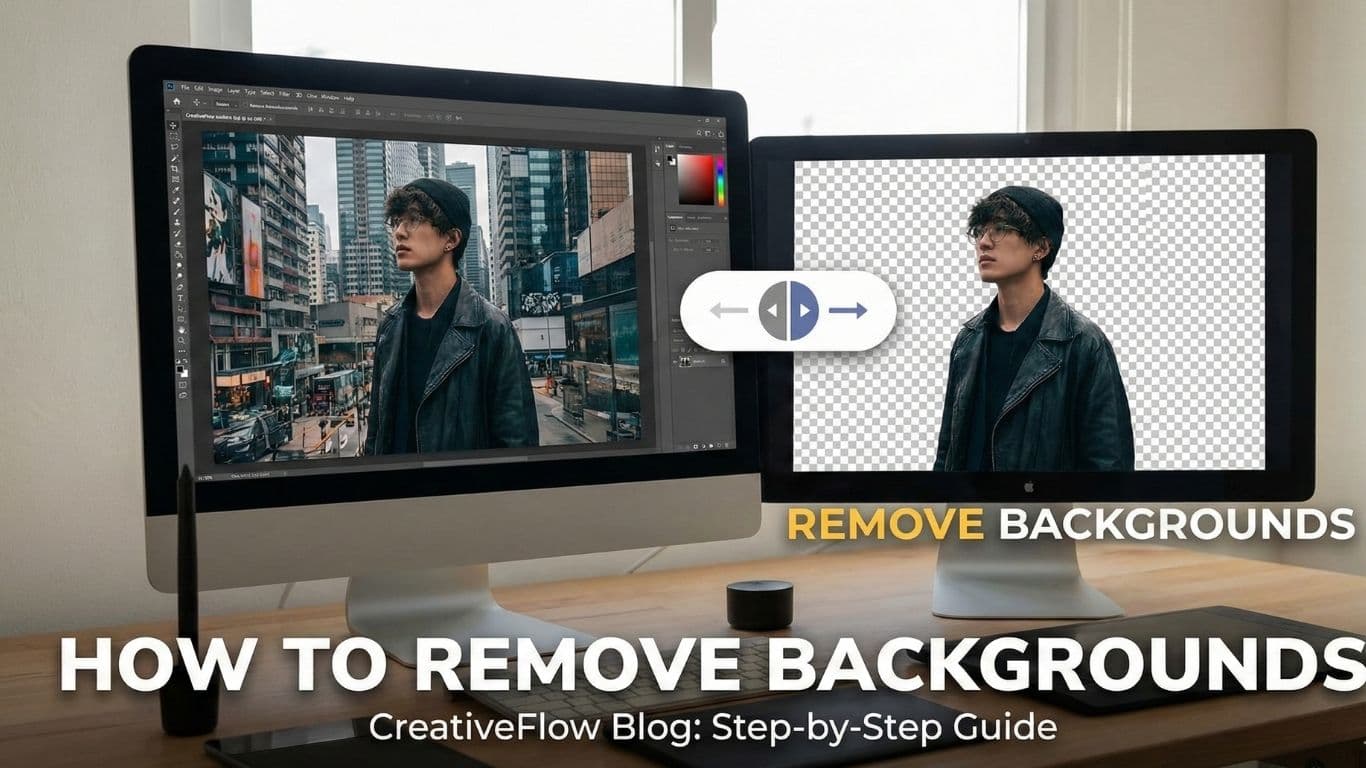
Background removal is one of the most requested photo editing tasks in the world of digital content creation. Whether you're creating product listings, professional headshots, or social media content, clean background removal makes your images stand out. The good news is that modern AI tools have made this easier than ever, but knowing the right techniques still matters. This comprehensive guide will walk you through everything from preparation to final touches. By the end, you'll understand exactly how to achieve professional results every single time.
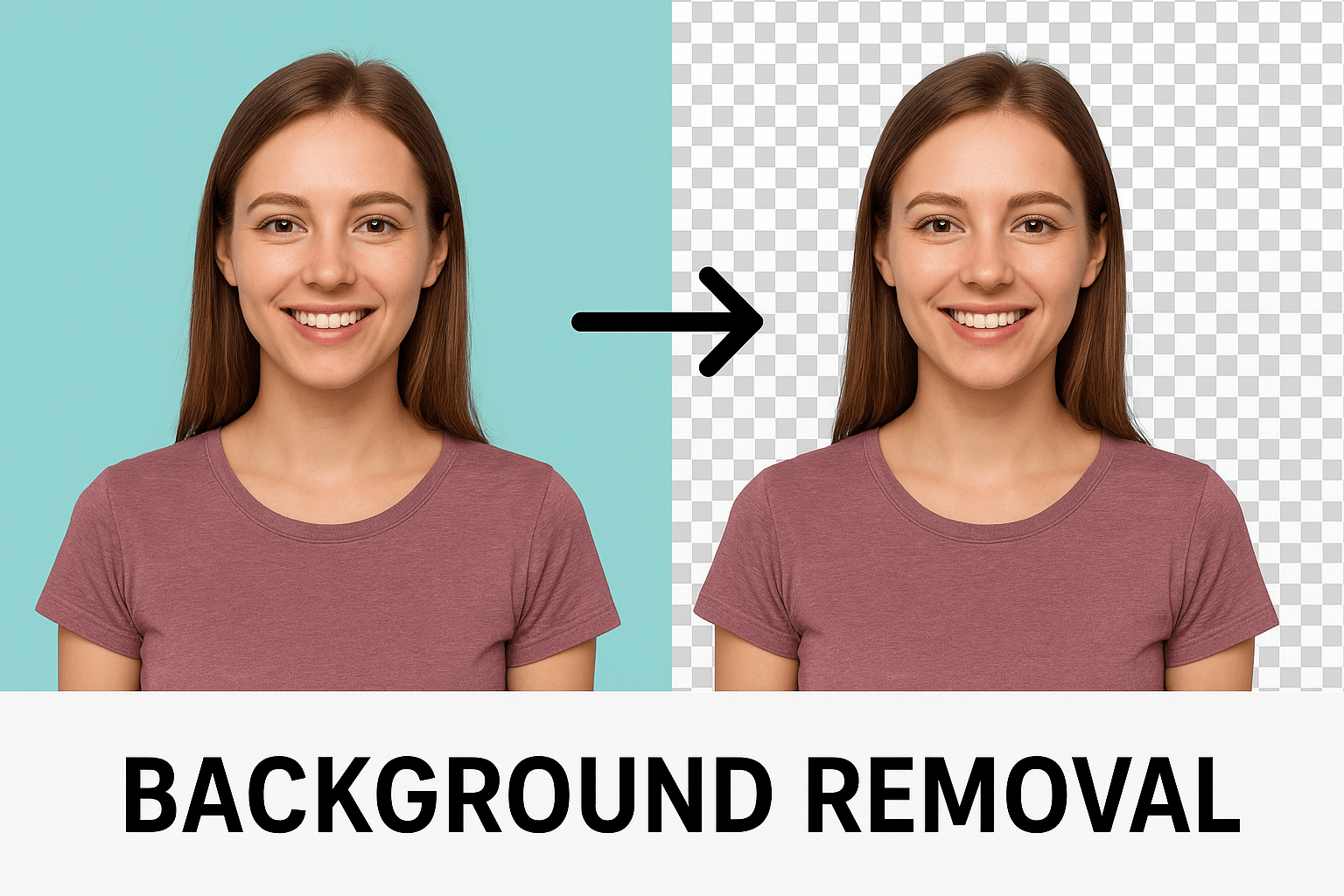
Table of Contents
- Why Background Removal Quality Matters
- The Secret Starts Before You Shoot
- Choosing the Right Tool for Your Needs
- Step-by-Step Perfect Background Removal
- Advanced Techniques for Tricky Subjects
- Common Mistakes and How to Fix Them
- Professional Tips for Perfect Results
- Ready to Master Background Removal
Why Background Removal Quality Matters
The difference between amateur and professional background removal is instantly noticeable to anyone viewing your images. Clean edges, preserved details, and natural-looking results separate casual edits from work that looks polished and professional. For e-commerce businesses, poor background removal can directly cost you sales, with studies showing that messy edges or visible halos reduce trust and conversion rates by up to 40%. Your potential customers notice these subtle details even if they can't articulate exactly why something looks off. Professional headshots and social media content face similar scrutiny, where a sloppy cutout screams amateur hour while clean removal suggests attention to detail and professionalism.
The Secret Starts Before You Shoot
Here's what most people miss when trying to remove backgrounds: the best results happen before you even start editing. Professional photographers understand that 90% of a perfect cutout comes from how you capture the original photo in the first place. Even lighting is absolutely critical because it eliminates harsh shadows and creates clear separation between your subject and background. High contrast between your subject and background gives AI tools a clear target to work with, while low contrast makes the job nearly impossible. The key is to shoot against solid-colored backgrounds like white, gray, or green, keeping your subject at least 6-8 feet away from the backdrop to prevent shadow bleeding and ensure maximum separation.

Choosing the Right Tool for Your Needs
Not all background removal tools are created equal, and your choice depends heavily on volume, complexity, and quality requirements. Modern AI tools like ArtFly AI handle most background removal tasks instantly, making them perfect for e-commerce sellers, social media managers, and small businesses that need to process large volumes quickly. Professional software like Photoshop offers maximum control for complex subjects such as glass, transparent materials, or fine hair, making it ideal for high-stakes commercial work. The smartest approach is actually a hybrid method where you use AI for the heavy lifting and then apply manual refinement for finishing touches. This combination delivers professional results in a fraction of the time traditional editing would take.
Step-by-Step Perfect Background Removal
The process of removing backgrounds professionally follows a clear workflow that ensures consistent, high-quality results every time. Start by uploading the highest resolution image available, as larger files give AI more information to work with and allow for detailed manual fixes if needed. Most modern AI tools process images in seconds, automatically detecting edges and separating your subject from the background with impressive accuracy. After the initial AI processing, zoom in and carefully inspect the edges for any issues like colored halos, choppy cuts, missing details, or leftover background remnants. Finally, add your desired background whether it's pure white for e-commerce, a creative scene, or simple transparency, making sure to match the lighting direction and intensity between your subject and the new background for a natural, professional look.

Advanced Techniques for Tricky Subjects
Some subjects challenge even the most advanced AI tools and require special handling techniques to achieve professional results. Hair and fur with their fine strands need dedicated refinement tools that most professional software includes, often requiring multiple passes to capture every detail. Transparent and reflective objects like glass, water, and jewelry need careful manual handling because they should maintain some background interaction to look natural and realistic. Complex textures such as lace, mesh, or chainlink materials confuse AI algorithms because of their intricate patterns and holes throughout the material. The key to handling these difficult subjects is shooting them against high-contrast backgrounds from the start and being prepared to use manual selection tools for precise control over the final result.
Common Mistakes and How to Fix Them
One of the biggest mistakes beginners make is accepting colored halos or fringes around edges, which completely ruin otherwise perfect work and can be fixed using defringe tools or by slightly contracting your selection. Another common error is over-smoothing edges to the point where they look artificial, when natural edges should maintain some texture and irregularity, especially visible in hair and fabric. Many people also make the mistake of removing all shadows, which makes subjects look unrealistically pasted on rather than naturally integrated into their environment. Batch processing without individual review is another pitfall, as even the best AI isn't perfect and one bad cutout in a client batch can seriously damage your professional reputation. The final common mistake is ignoring the lighting direction when adding new backgrounds, creating an unnatural mismatch that immediately signals poor editing work to viewers.

Professional Tips for Perfect Results
Working non-destructively is the foundation of professional editing, meaning you should always keep your original files and use layers and masks so adjustments can be made without starting over. Zoom in to at least 300% magnification when checking your work, as problems that are invisible at normal viewing size become immediately obvious at high magnification. Take regular breaks during intensive editing sessions because eye fatigue causes you to miss errors that become apparent when you return with fresh eyes. Creating templates and presets for similar images ensures consistency across projects and dramatically speeds up your workflow when processing multiple images. The most important tip is to invest time in capturing quality originals, as better source photos always produce better final results no matter how good your editing skills are.

Ready to Master Background Removal
Professional background removal combines smart shooting techniques, powerful AI tools, and skilled refinement to achieve results that make your images stand out. You don't need years of Photoshop experience or expensive equipment to get started, you just need to understand the fundamentals and use the right tools for your specific needs. Start with proper lighting and simple backgrounds, let AI handle the initial heavy lifting, then refine and perfect the edges for a professional finish. This proven workflow delivers consistent, high-quality results whether you're processing a single important image or managing thousands of product photos. With ArtFly AI's background removal tools, you get professional-grade results in seconds, with AI that detects edges accurately, preserves fine details, and handles even complex subjects with ease.
Watch Video Tutorial
Related Articles

AI Tools for Marketing - Every Business Owner Must Know
Essential guide for business owners on choosing and using AI marketing tools. Learn practical strategies to automate content creation, social media, email campaigns, and analytics without hiring large teams.
10 min read
AI for Content Creation: Complete Guide Everything you need to know
Discover how to leverage AI tools for creating blogs, videos, images, and social media content. Learn best practices, workflows, and strategies for scaling your content production.
9 min readReady to Create?
Start using ArtFly AI today and bring your creative vision to life with powerful AI tools.
Get Started Free